
Free wifi at Miami airport
MIA-WiFi is free with advertising across the terminals, gates and baggage claim. How to get the sign-in page to load, the paid options, and who to call when it won't connect.
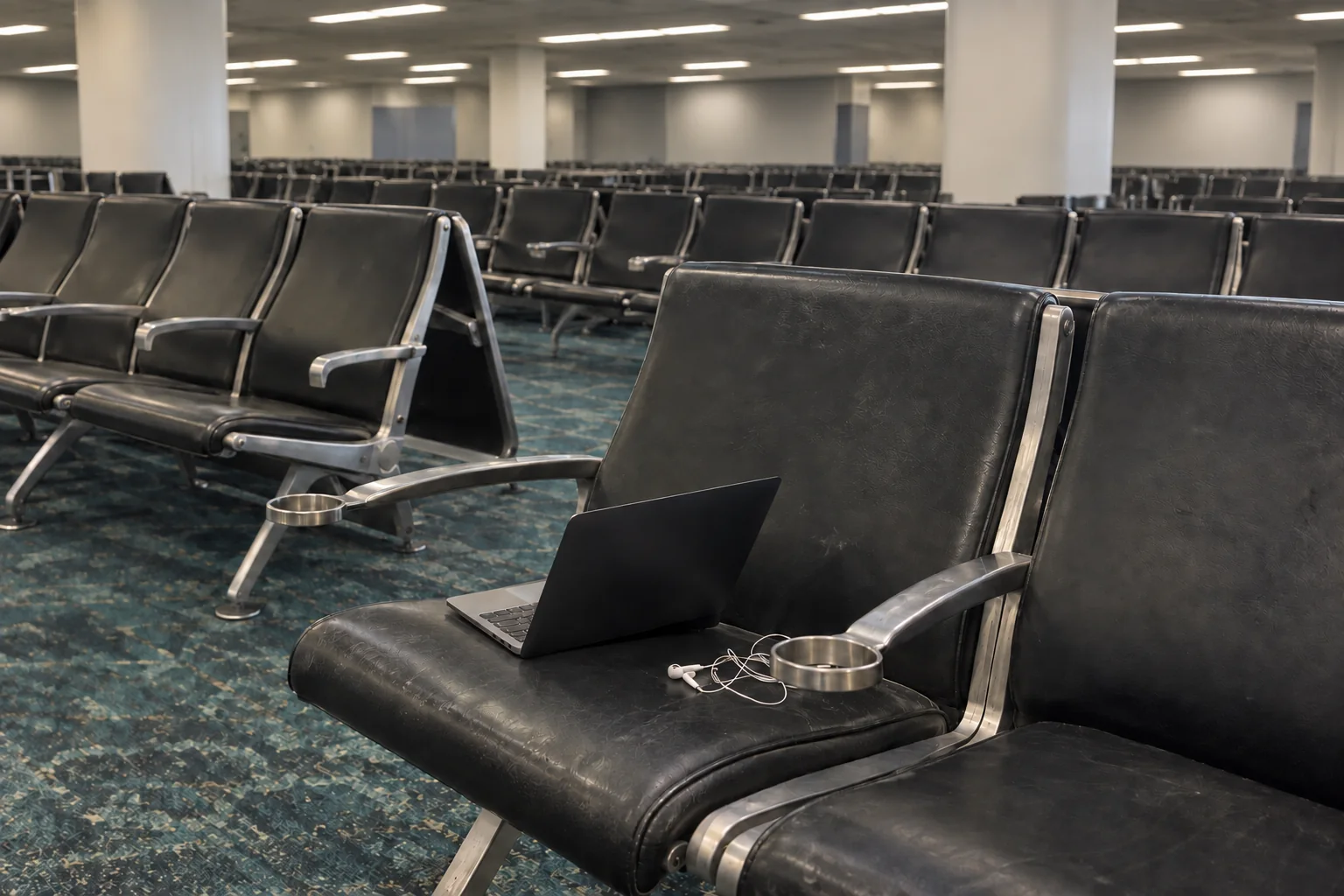
Join the network called MIA-WiFi. It’s free with advertising and covers every indoor public area of the airport: the terminals, the gates, baggage claim and the Miami International Airport Hotel. After you join, open your browser and the airport’s welcome page takes you through signing in.
How to connect
- Turn on wifi and choose MIA-WiFi. Your device may join on its own.
- Open your web browser. The airport’s welcome page should appear.
- Follow the welcome page to sign in to the free service.
If the welcome page doesn’t appear, MIA’s advice is to refresh the page, or close your browser and open it again.
Still stuck? The network is run by Boingo. MIA sends connection problems to Boingo’s support line on (800) 880-4117.
Free or paid?
| Option | Cost |
|---|---|
| Free, with advertising | $0 |
| Standard | $4.95 |
| Premium | $7.95 |
MIA doesn’t say on its wifi page how long a free session lasts or how fast each tier is. With no published speeds to compare, start on the free network and pay for a tier only if a video call or a big download stalls on it.
Where it works
MIA describes its coverage as indoor, which takes in the restaurants, ATMs and currency exchange booths, and doesn’t mention the curb or the parking garages.
The volunteer-run Military Hospitality Lounge in Concourse E lists wifi and computers among its amenities, for military ID holders with evidence of travel. Our lounges page covers who gets into each lounge. If your battery is going before your connection does, our guide to charging your phone at MIA lists the shops that sell chargers, concourse by concourse.