
Where Uber and Lyft pick up at MIA
MIA ride app pickups can be on Level 1 or Level 2. Find your assigned door, reach the right curb, and handle a missed pickup.
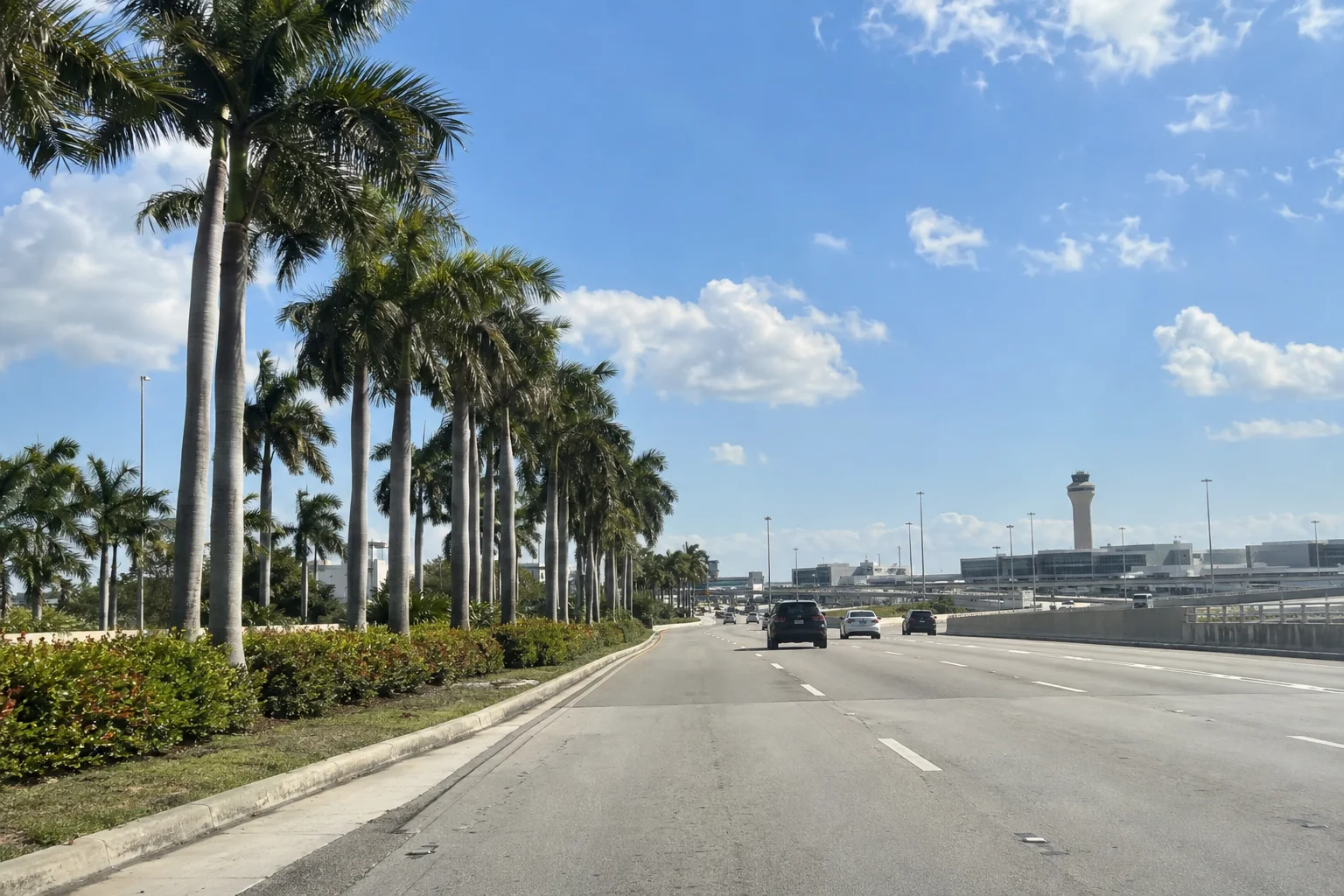
Uber and Lyft can pick you up on Level 1 (arrivals) or Level 2 (departures) at MIA. There is no single door number to memorize. MIA’s taxi page tells passengers to check their ride app for the designated location and door. Do that after you request your ride, then go to the level and door it shows.
MIA’s own pages differ here. Its general ground transportation page describes ride app zones outside baggage claim on the ground level only. Its taxi page says both levels are possible and the app assigns your spot, so go by that.
From baggage claim to your car
- Collect your bag before requesting an on-demand car. MIA places baggage claim on Level 1. If you’ve reserved a ride, open your app when you land and check its pickup directions.
- Enter MIA as your pickup point and request the ride. For Uber, tap Directions to pickup again after the match. Uber says its directions before a request are general and may differ from your final pickup spot.
- MIA lists its Level 1 ride-app zones at the middle median outside doors 1, 2, 3, 4, 5, 7, 11, 15, 20 and 23. If the app gives you one of those, follow the Ground Transportation or Ride App Pickup signs. Uber’s MIA pickup guide describes crossing to the middle median and looking for Ride App signs. That is general UberX guidance, not a promise that every ride uses that median. If your app assigns Level 2, go there instead.
- At the assigned spot, check the car and plate against your app before you get in. If you can’t see the driver, contact them through the app and give them the level and door you’re standing at. Uber advises contacting the driver through the app when you cannot find them.
One traveler reported leaving Concourse D near Door 2, passing the taxi curb and crossing to a Ride App island. Their driver then gave a curb instruction in the Lyft app, so read the driver’s messages as well as the door signs.
If the sign, app and driver disagree
Stop and check the trip screen before changing levels. Confirm that you selected MIA as the pickup, not a drop-off. Uber says the exact zone depends on factors such as your arrival gate and terminal, so the app’s door is the one to trust.
If the driver calls or messages, tell them the level, door number and Ride App sign you can see. Ask them to confirm the pickup point in your trip. Don’t follow a stranger offering a ride inside the terminal. MIA warns passengers to ignore transportation solicitors and to seek help from uniformed airport employees with MIA badges. Uber also says to keep the trip in the app.
Without mobile data, join MIA’s airport Wi-Fi before opening the app, and our Wi-Fi guide shows how. If you can’t resolve the pickup, ask a uniformed MIA employee where your assigned level and door are.
When another way out is easier
If you want a car without waiting for an app match, use the designated taxi stand on the arrivals level outside baggage claim. MIA places uniformed staff at the stand to assist passengers. You can also request a wheelchair-accessible taxi. Taxis from MIA run on the meter, with a $15 minimum, while your app shows its price before you confirm.
For a rental car or public transit, the MIA Mover connects the terminal with the Miami Intermodal Center and Rental Car Center. If you booked a cruise line bus to the ship, it has its own doors, separate from the Uber and Lyft zones, and our cruise transfers page lists them.
Sources
- Our transport directory
- Our airport amenities directory
- Our taxi page and ride app page
- Uber’s MIA pickup guide
- MIA Airport Guide: ride apps